

Paste Markdown to see a live-rendered HTML preview instantly in your browser.
Updated
/ 5 - Be the first to rate this tool Thanks for rating!
Verification failed - please try again.
Quick check
Please verify you're not a robot to submit your rating.
Give feedback
Tell us what you think about Preview Markdown as HTML live.
- Runs entirely in your browser — your Markdown is never sent to a server
- Live-rendered HTML preview as you type
- Free, no account required
How it works
-
1
Paste the text you want to work with.
-
2
The result updates live as you type or paste.
-
3
Adjust the options to fine-tune the output.
-
4
Copy the cleaned-up or compared result.
Why use this tool
Every dev utility, one place
Format, convert, encode, decode, and generate — no more juggling ten tabs.
100% private, always
Every tool runs in your browser — your code and data are never sent anywhere.
Works on any device
Runs on Windows, Mac, Linux, iOS, and Android — nothing to install.
Instant results
No queues, no build step — results update as you type.
Built to handle real data
Full Unicode support and RFC-compliant parsing, edge cases included.
Free, always
Free to use, with no rate limits, sign-up, or trial period.
Frequently asked questions
It utilizes a lightweight parser built for speed, covering the most common formatting syntax reliably.
Yes, the live rendering logic executes entirely within your browser DOM without server synchronization.
Standard implementations usually allow raw HTML to pass through, though complex scripts might be sanitized.
Yes, common extensions like task lists and strikethroughs are fully supported.
You can simply highlight and copy the visual result, or use our dedicated Markdown to PDF converter.
From the blog
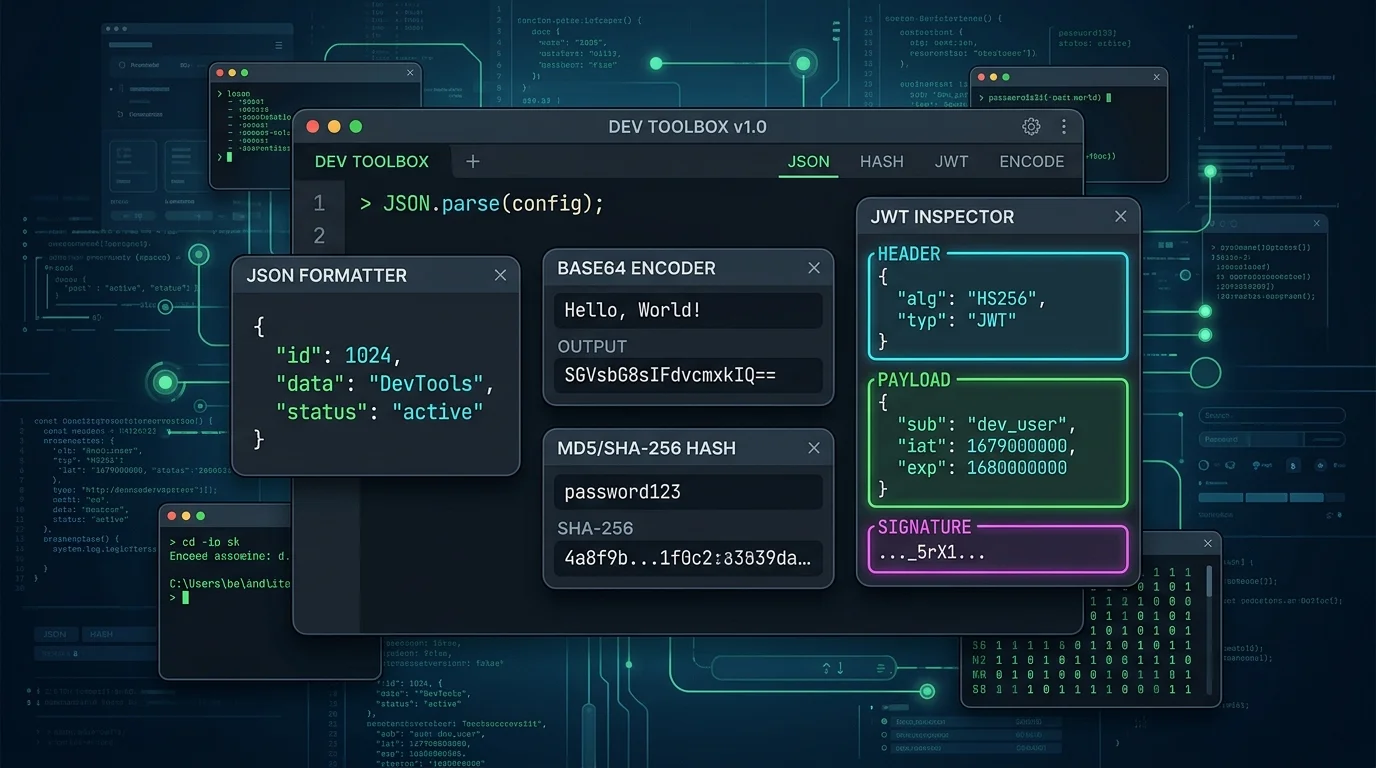
Reading a JWT Without Trusting It: Claims, Expiry, and the Signature Trap
Decoding a JWT takes a second. Verifying one is a different job entirely — and confusing the two is how auth bugs ship. Here is how to read a token safely while you debug.

Mastering Base64: What It Is, How It Works, and When Not to Use It
Base64 is everywhere in modern web development, from data URIs to authentication headers. Here is a deep dive into how it works and common pitfalls to avoid.

Demystifying JSON: How to Troubleshoot Common Parsing Errors
JSON is the backbone of web APIs, but syntax mistakes can halt your code. Here is how to identify and fix missing commas, unescaped strings, and trailing characters.
Recently viewed
Related tools
Sort and de-duplicate lines online
Sort lines alphabetically or by length, remove duplicates, and strip blank lines, instantly in your browser.
Compare two texts and see the differences
Paste two blocks of text to see every added and removed line highlighted, instantly in your browser.
Clean whitespace and line endings online
Trim trailing whitespace, collapse repeated blank lines, and normalize line endings, instantly in your browser.
Count words and characters online
Get a live word count, character count, sentence count, and reading time, instantly in your browser.
Generate a Markdown table online
Paste comma-separated rows to instantly get a formatted Markdown table, in your browser.
Convert Markdown to PDF for free
Turn Markdown text or a .md file into a clean, formatted PDF document.
Merge PDF files online for free
Combine multiple PDF files into a single document in your browser. No install, no signup.
Convert numbers between bases
Convert a number between binary, octal, decimal, and hexadecimal instantly in your browser.
Generate a strong random password
Generate a cryptographically random password with adjustable length and character sets, in your browser.
Generate a PayPal.Me QR code for free
Create a QR code that opens your PayPal.Me link, optionally pre-filled with an amount.
AISummarize what changed between two PDFs
Upload two versions of a PDF and get a plain-language summary of what changed.
Edit a PDF for free
Add and edit text on any PDF page, with your choice of fonts, right in your browser.