

Generate paragraphs, sentences, or words of Lorem Ipsum placeholder text instantly in your browser.
Updated
/ 5 - Be the first to rate this tool Thanks for rating!
Verification failed - please try again.
Quick check
Please verify you're not a robot to submit your rating.
Give feedback
Tell us what you think about Generate Lorem Ipsum placeholder text.
- Runs entirely in your browser — nothing is sent to a server
- Generate by paragraphs, sentences, or words
- Free, no account required
How it works
-
1
Set the options — length, quantity, character set, or template.
-
2
The result generates instantly in your browser.
-
3
Regenerate as many times as you like.
-
4
Copy the result to your clipboard.
Why use this tool
Every dev utility, one place
Format, convert, encode, decode, and generate — no more juggling ten tabs.
100% private, always
Every tool runs in your browser — your code and data are never sent anywhere.
Works on any device
Runs on Windows, Mac, Linux, iOS, and Android — nothing to install.
Instant results
No queues, no build step — results update as you type.
Built to handle real data
Full Unicode support and RFC-compliant parsing, edge cases included.
Free, always
Free to use, with no rate limits, sign-up, or trial period.
Frequently asked questions
It selects pseudo-random Latin words from the classic Cicero text, so it varies slightly every time.
The tool primarily measures by paragraphs, sentences, or word count, not strict character limits.
Yes, the first paragraph almost always begins with the recognizable "Lorem ipsum dolor sit amet..."
It outputs raw text; if you select multiple paragraphs, they are simply separated by double line breaks.
It provides a natural distribution of word lengths and punctuation, giving a realistic visual weight to design mockups.
From the blog
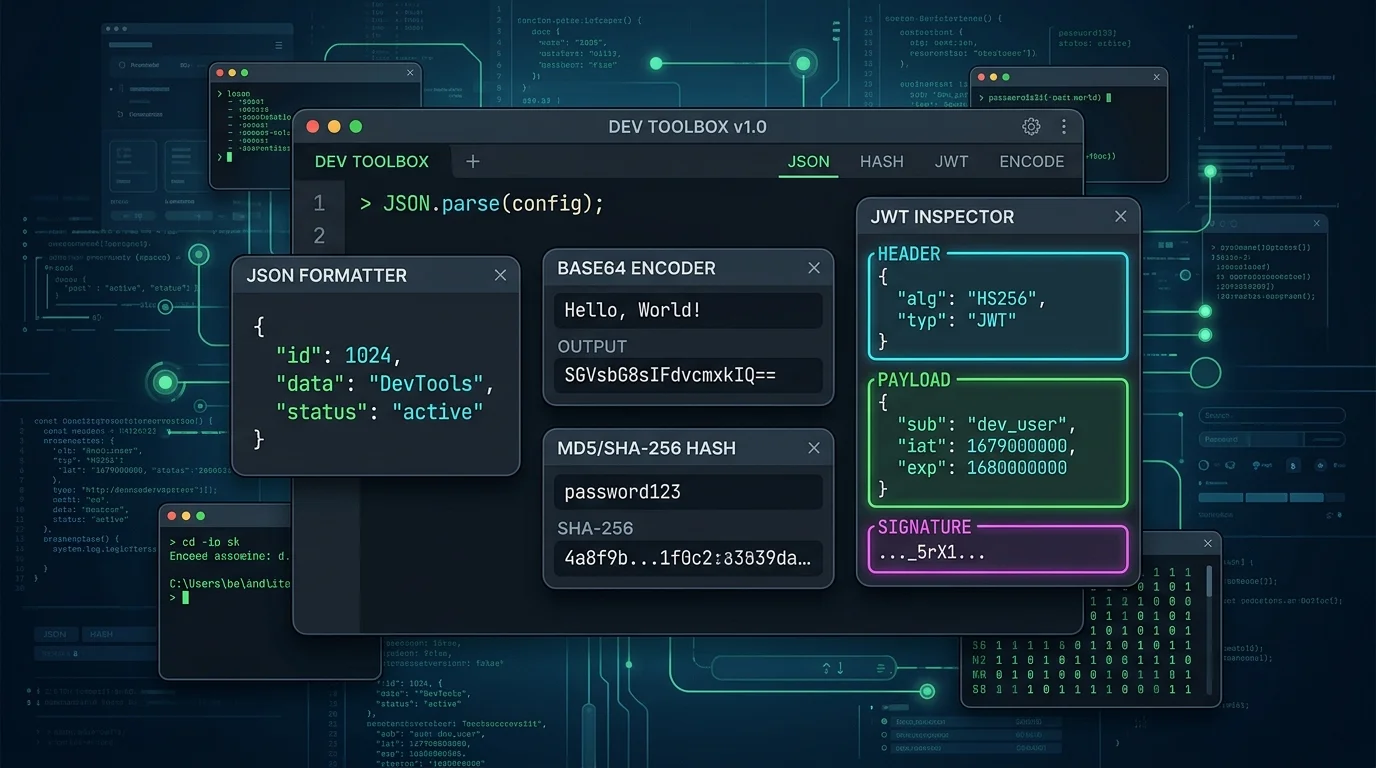
Reading a JWT Without Trusting It: Claims, Expiry, and the Signature Trap
Decoding a JWT takes a second. Verifying one is a different job entirely — and confusing the two is how auth bugs ship. Here is how to read a token safely while you debug.

Mastering Base64: What It Is, How It Works, and When Not to Use It
Base64 is everywhere in modern web development, from data URIs to authentication headers. Here is a deep dive into how it works and common pitfalls to avoid.
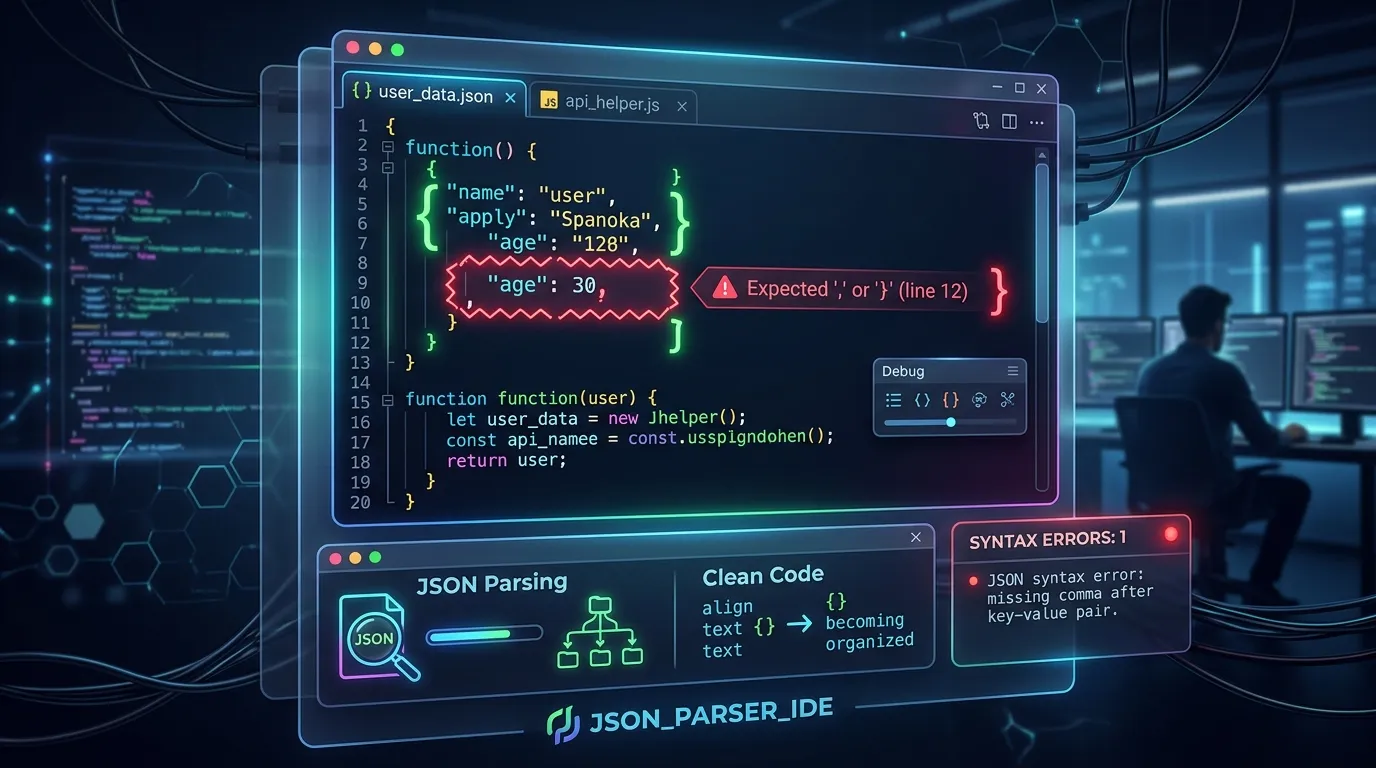
Demystifying JSON: How to Troubleshoot Common Parsing Errors
JSON is the backbone of web APIs, but syntax mistakes can halt your code. Here is how to identify and fix missing commas, unescaped strings, and trailing characters.
Recently viewed
Related tools
Bcrypt Hash Generator and Verifier
Generate bcrypt password hashes with cost 4 to 15 and verify a password against an existing hash. Hashing runs in your browser, so passwords are never sent to a server.
Generate a .gitignore file online
Pick languages, frameworks, and editors to instantly build a combined .gitignore file, in your browser.
Generate MD5 and SHA hashes online
Compute MD5, SHA-1, SHA-256, SHA-384, and SHA-512 hashes of any text in your browser.
HMAC Generator
Generate HMAC signatures with SHA-1, SHA-256, SHA-384 or SHA-512 using a UTF-8 or hex secret key, output as hex or Base64. Computed in your browser, so your key never leaves it.
Generate a Markdown table online
Paste comma-separated rows to instantly get a formatted Markdown table, in your browser.
Generate a strong random password
Generate a cryptographically random password with adjustable length and character sets, in your browser.
Preview Markdown as HTML live
Paste Markdown to see a live-rendered HTML preview instantly in your browser.
Convert Markdown to PDF for free
Turn Markdown text or a .md file into a clean, formatted PDF document.
Merge PDF files online for free
Combine multiple PDF files into a single document in your browser. No install, no signup.
Convert numbers between bases
Convert a number between binary, octal, decimal, and hexadecimal instantly in your browser.
Generate a PayPal.Me QR code for free
Create a QR code that opens your PayPal.Me link, optionally pre-filled with an amount.
AISummarize what changed between two PDFs
Upload two versions of a PDF and get a plain-language summary of what changed.